Radar · 7 min read · 2026-10-09
Fortnite Player Radar Explained: How Location Overlays Track Players and Bots
Learn how a Fortnite player radar presents player and bot locations, direction, range, marker types, and nearby movement.
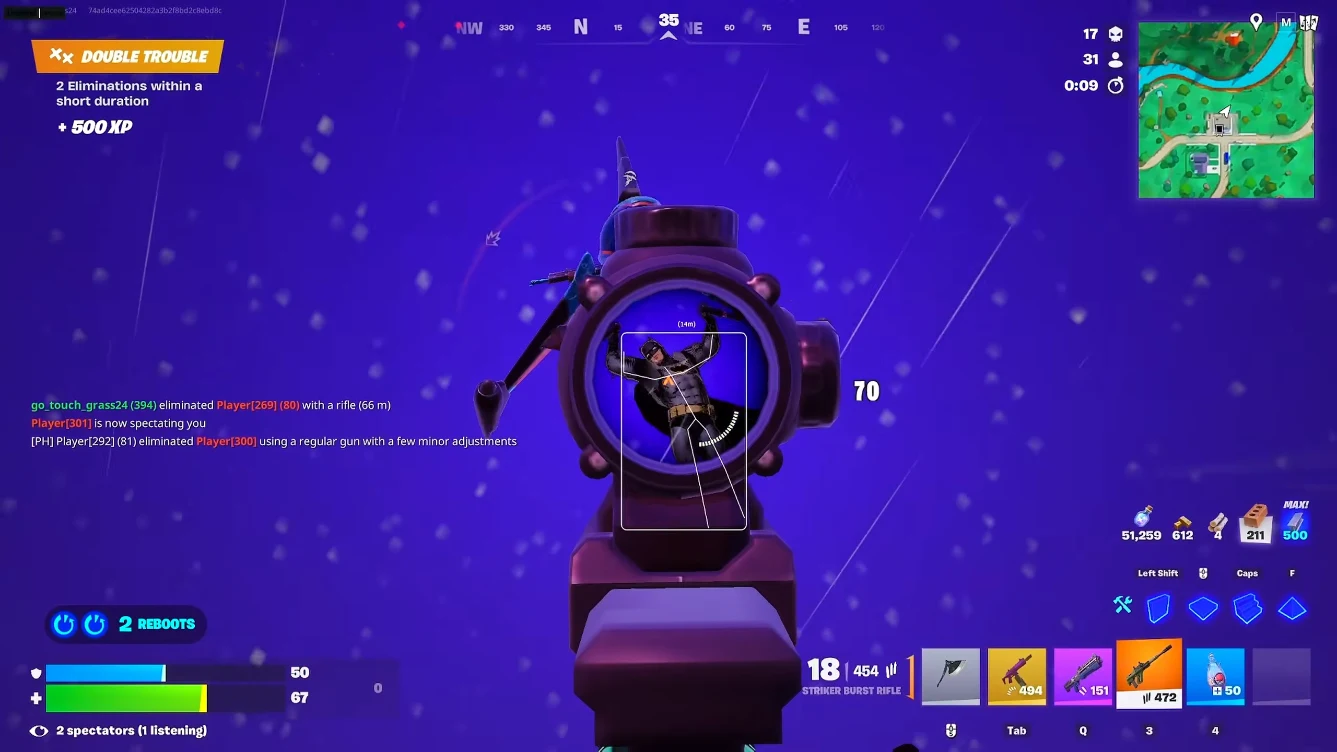
What Fortnite player radar displays
Fortnite player radar places location markers on a compact map-style overlay. It focuses on direction and relative position, while box and skeleton ESP place information in the main game view.
A radar is one feature inside broader Fortnite cheats packages. The useful controls are range, scale, marker color, player and bot categories, and overlay position.
Radar does not identify every marker as a human by default. The current game mode and software build must expose separate player and bot categories before the menu can display them differently.
How player and bot markers differ
Distinct colors, icons, or shapes make the radar easier to scan. If separate categories are unavailable, distance and movement context are still needed before treating a marker as a player.
The broader Fortnite ESP guide compares radar with box, skeleton, health, and loot layers.
Player locations
Player markers show relative direction and range around the local position. A short range keeps nearby fights readable, while a wider range can help with rotations.
Bot locations
Bot markers should use a separate visual style when supported. This prevents NPC groups from looking like a full player squad on the same edge of the radar.
Range, scale, and screen position
Start with a short range and place the panel near a screen edge. Increase range only when distant movement changes the next route or fight decision.
A larger panel is easier to read but covers more of the game view. Marker size and opacity should remain clear without turning the radar into the main focus.
Radar compatibility after updates
Fortnite updates can change location data, bot categories, rendering, and overlay alignment. Check the Fortnite anti-cheat guide and current status before loading a saved profile after a patch.
Test one nearby marker first. Confirm direction, range, and category before enabling wider ESP or aim layers.
Ready for Fortnite cheats?
Check live Easy Anti-Cheat status, then buy aimbot, box ESP, radar, loot ESP, cloud DMA, and HWID spoofer for Fortnite on fncheat.org. Need help? Read support or player reviews. Own the game via the official site.
Community replies
Discussion prompts based on common player questions.
EdgeCompass
Zero Build · Oct 9, 2026
A short range in named locations is easier to read. I only widen it during open rotations.
BotMarker
Oct 9, 2026
Do all modes expose separate bot markers, or does that change with each playlist?
NorthPanel
Squads · Oct 10, 2026
Different player and bot colors stopped me from treating every NPC group as another team.
ScaleCheck
Oct 10, 2026
Putting the panel in the upper corner keeps it visible without covering close-range targets.
Frequently asked questions
What does Fortnite player radar show?
It shows relative location, direction, and range on a compact panel. Available marker types depend on the current software and game mode.
Can radar separate players and bots?
Some builds can use different colors or shapes when separate categories are available. Otherwise, markers require context before they can be identified.
Is radar the same as box ESP?
No. Radar uses a small map-style panel. Box ESP marks a character position in the main game view.
What range should player radar use?
Start with a short range that clearly shows nearby movement. Increase it only when distant markers affect rotations.
Can updates affect radar alignment?
Yes. Game data, rendering, and loader updates can affect marker position or categories. Retest a simple profile after major patches.